New Features
- New Icons for Sharing Modules
A host of new icons has been introduced for Sharing modules in CWP to allow for easier identification.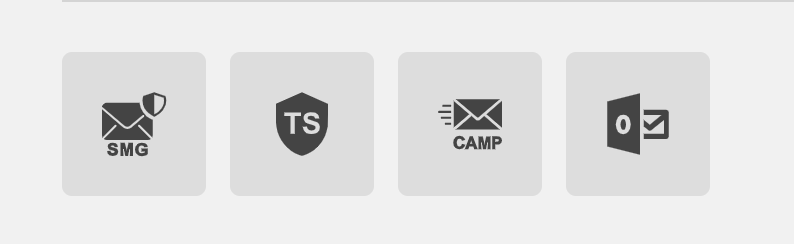
The modules are, in order from left to right, Secure Mail Gateway, Trusted Share, Campaign, Outlook Add in. - Refactoring of the "My Recent" tab in Trusted Shares
Introduced in Release 95, improvements have been made to improve the "My Recent" tab in Trusted Shares by reducing the rendering load of the page. - New UI component for Secure Conversations
Secure Conversations interface has been redesigned to allow for better visibility of each Reply by introducing a grey background and leaving each message background white.
Introduced a small space between each message and moved the "Reply" button from the top right of the page under each individual message. Lastly, moved the expand button to the top right of each message. - Updated Dropbox/Box SDK
Updated SDK for Dropbox/Box to use short-lived Tokens instead of long-lived ones. Users that have linked Personal Dropbox accounts will be required to provide consent for this transition by clicking on a notification message as shown below.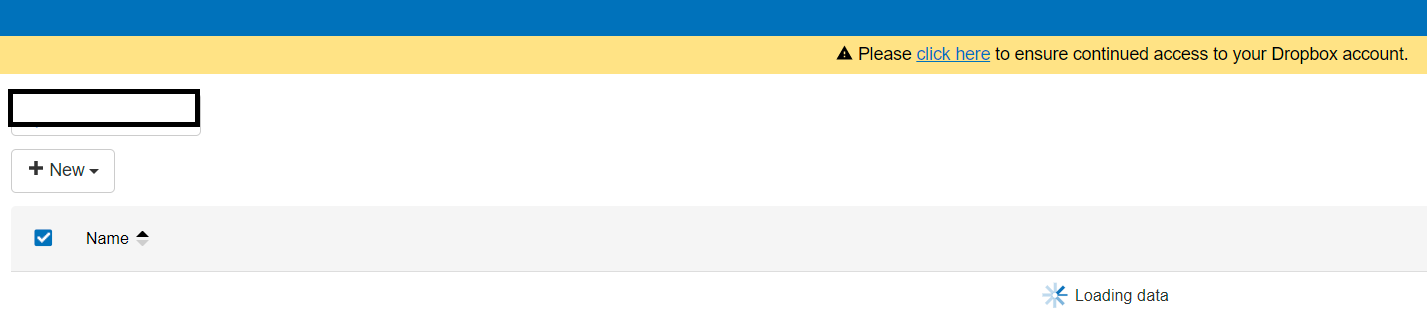
Corporate Dropbox providers migration
For corporate Dropbox users when the following conditions are true, the administrator will be presented with a new option: “Dropbox permissions migration required”
-Team member access is enabled
-Token used is a legacy one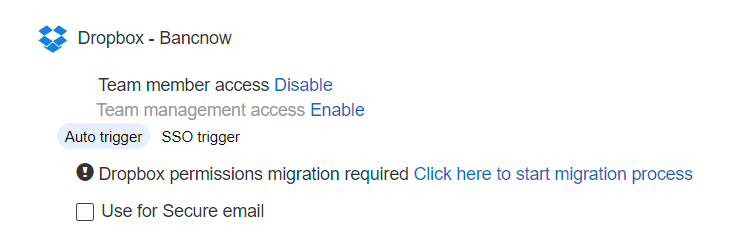
When the Admin clicks the 'Click here to start migration process”, he will be redirected to Dropbox to provide consent to our App, and then he will be redirected back to corporate providers page, and a successful message will be displayed.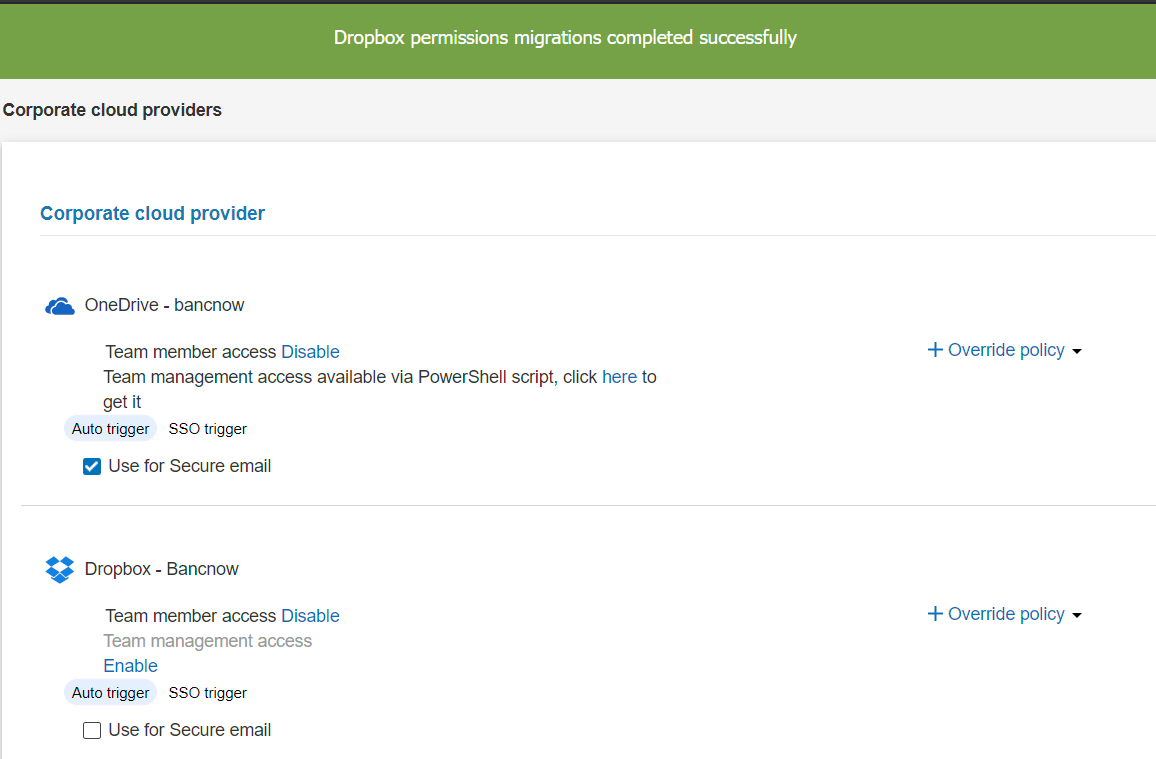
- Redesigned Task Manager
The Task Manager for Trusted Shares has been redesigned. Activity Icons will now pulse lightly to inform the user when tasks are complete and moved the Download, Upload, Copy/Move, Duplicate and Delete actions within the Task Manager module.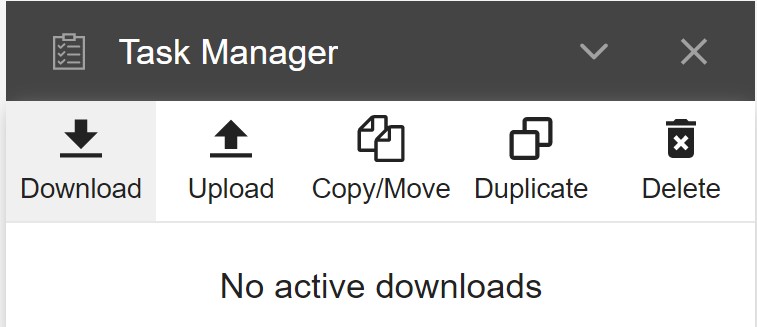
- Redesigned UI for Sharing Policies
Sharing Policies will now display Icons that will notify the Organization Administrator which Policies are visible to be used by end users. This will allow Administrators to quickly and easilly identify which Policies are actively used for Trusted Sharing, Secure Mail Gateway, Office Add-in etc. Administrators can click on any Icon to Add or Remove modules assigned to this Policy as shown below,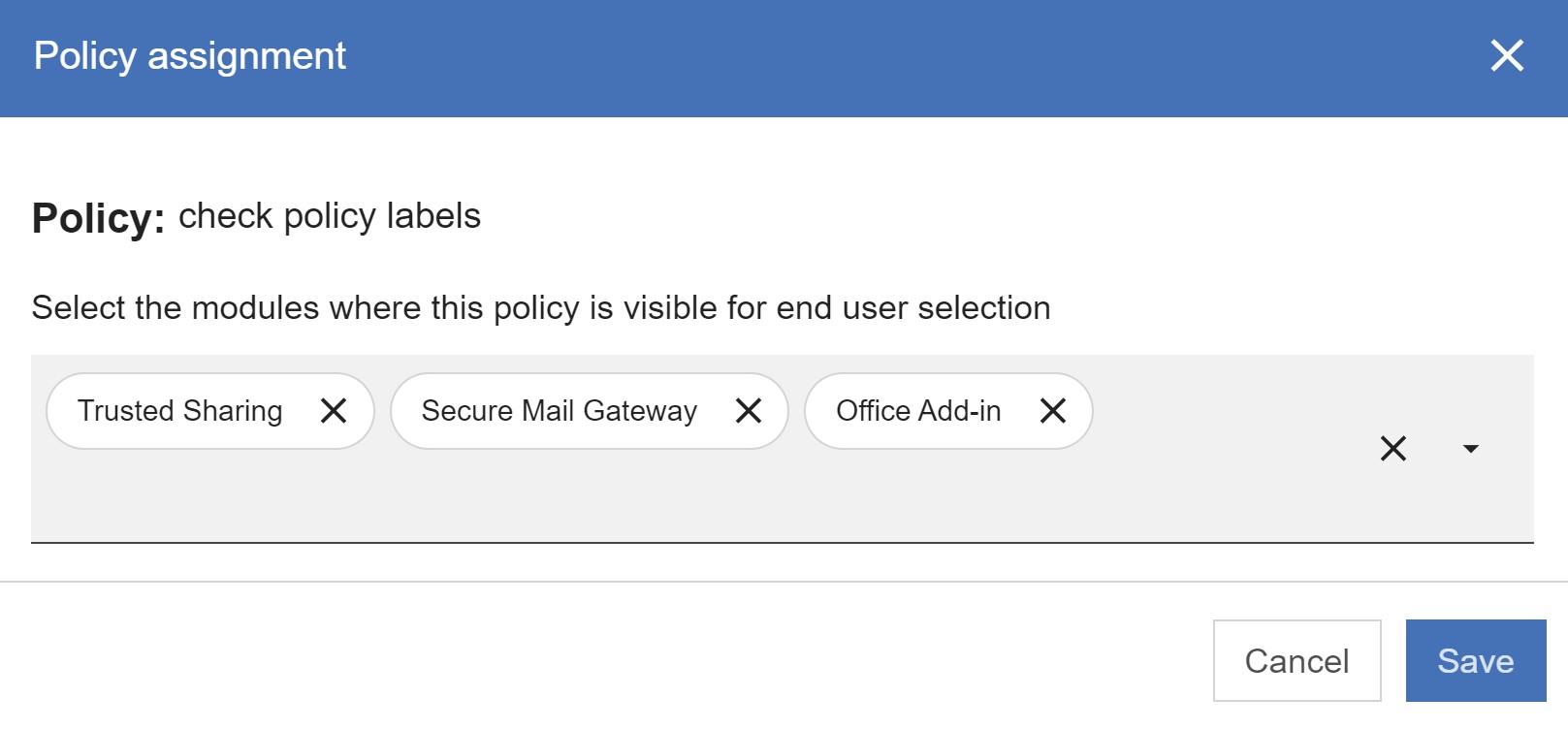
The Edit Policy, Policy Assignment, Disable Policy and Duplicate Policy functions have been moved to the drop down menu when the Admin clicks on the "..." icon. The "Delete Policy" option has been removed from the sub-menu. - Further enhancements to Trusted Share's Co-management
Added the ability for co-owners of a Trusted Share to receive notifications when a Recipient is pending for approval as well as receive notifications for a Trusted Share for the actions described below:
-TS first access
-Secure attachment first access
-TS updated (upload, new folder)
-File removed
-Request for extension
Furthermore, Share With Me page will now contain additional information for Trusted Shares that have users marked as Co-Owners. A Key icon will be displayed after the Trusted Share name and the same icon will be displayed in the Recipients menu to indicate co-ownership of a Trusted Share.
A new Search filter has been added to accommodate the search for Trusted Shares that have Recipients as co-owners.